We now recommend Telegram for receipt forwarding — it's faster and more stable.
How to Forward Receipts
via WhatsApp
Sahaj Pro users can forward receipt photos directly on WhatsApp. No app needed — just send a photo and it appears in your dashboard with GST details extracted automatically.
Save Your WhatsApp Number
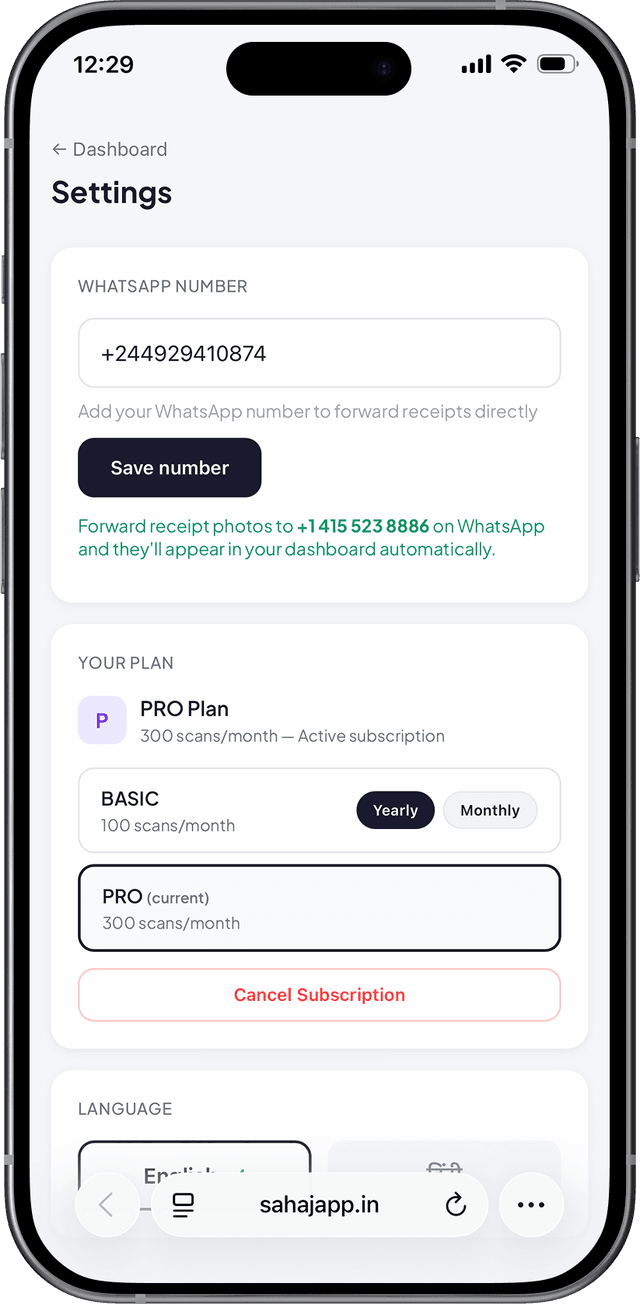
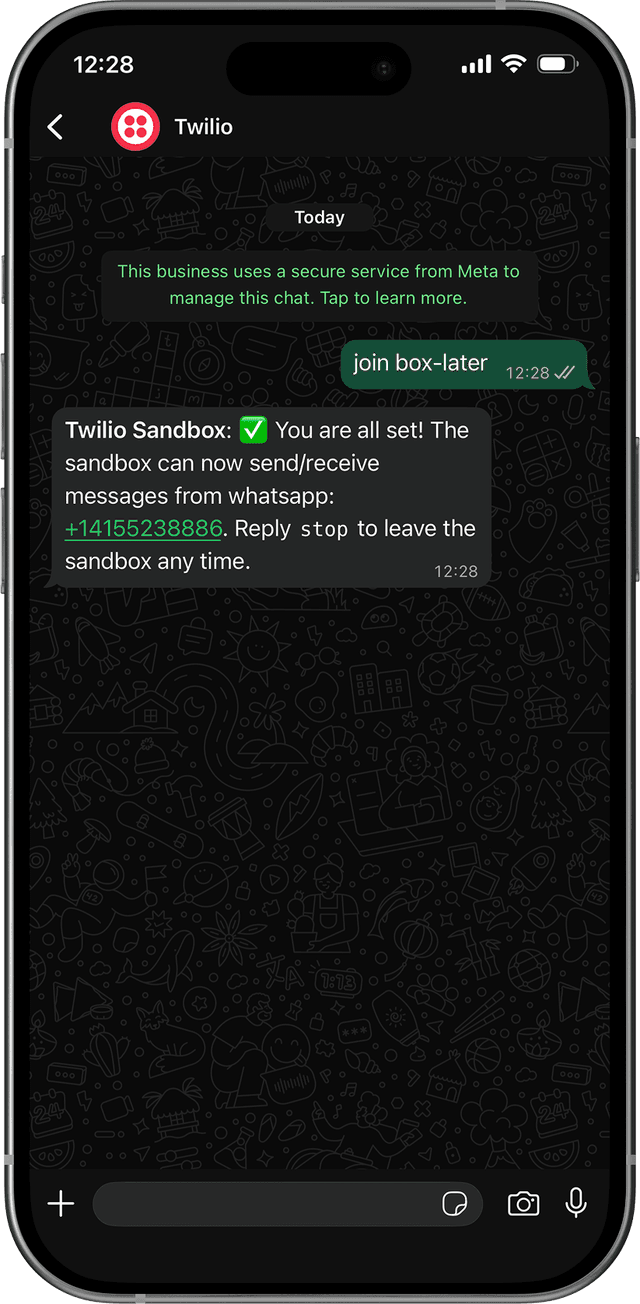
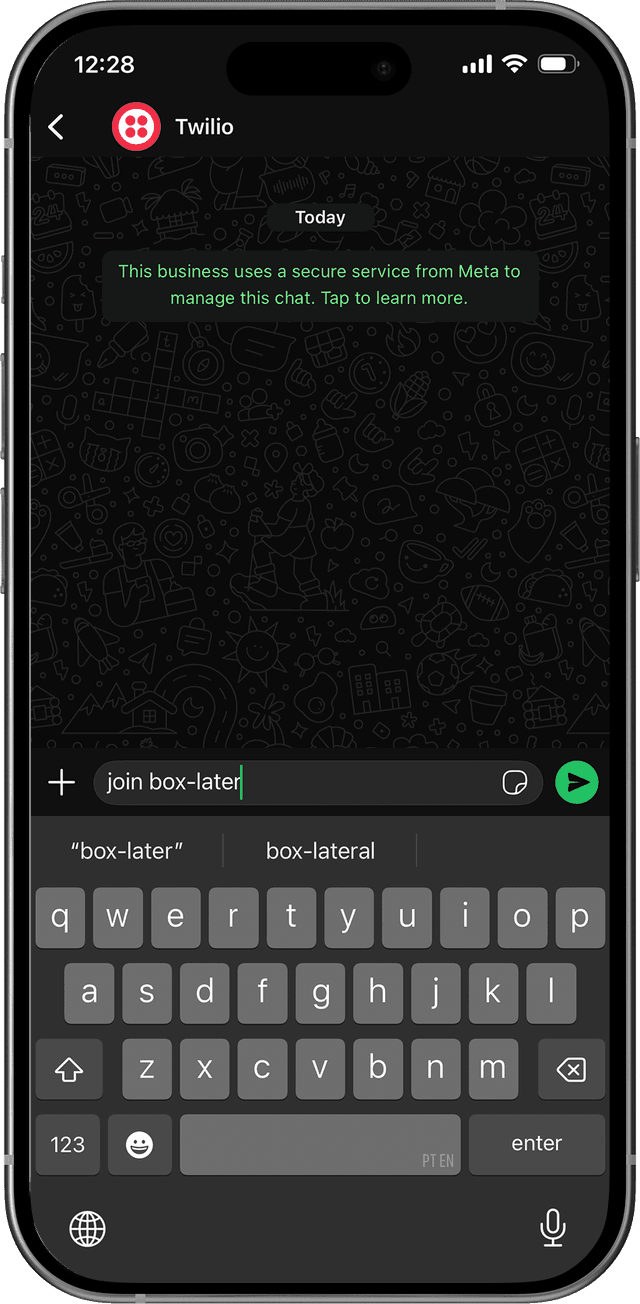
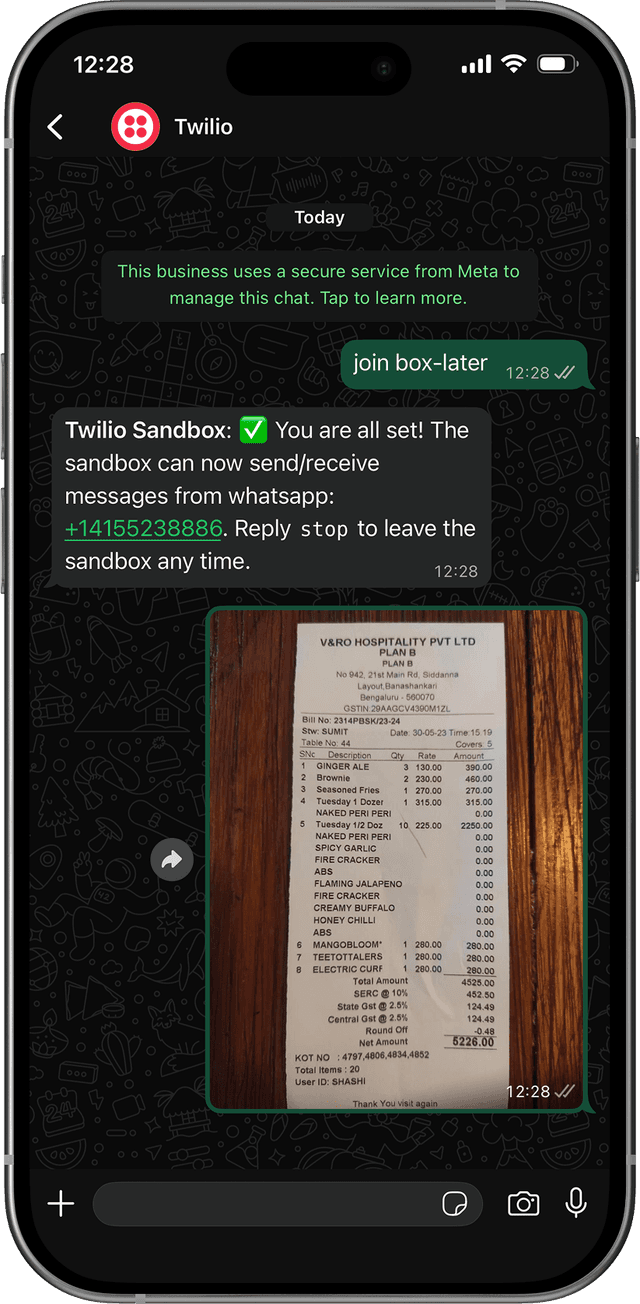
Save Your WhatsApp Number in Sahaj
Go to sahajapp.in/settings and enter your WhatsApp number. This is how Sahaj identifies you when you send a receipt.
Save the Sahaj Number
Add the Sahaj WhatsApp number to your contacts. Name it “Sahaj Receipts” so it’s easy to find.
Forward a Receipt Photo
Got a restaurant bill? Office supply receipt? Just forward the photo to Sahaj on WhatsApp. You can also take a new photo directly.
Get Instant Confirmation
Within seconds, Sahaj replies with the extracted details — vendor name, total amount, GST breakdown, and ITC amount.
Check Your Dashboard
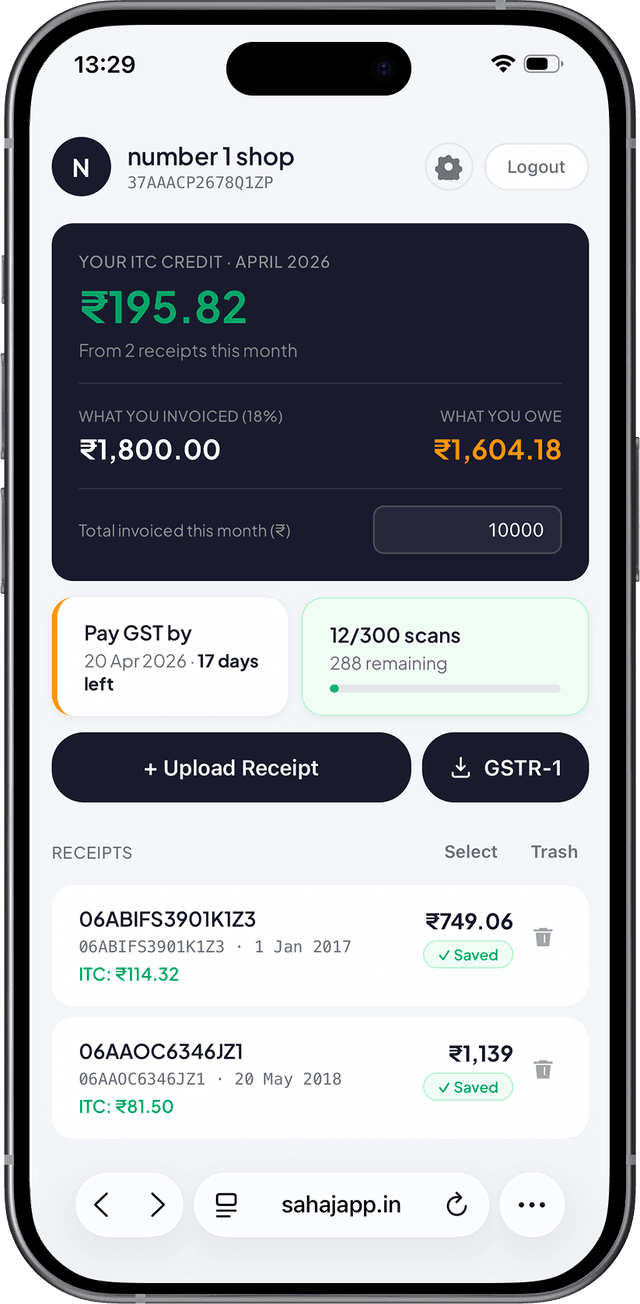
Open sahajapp.in/dashboard and your receipt is already there. ITC calculated, everything organized by month.
Tips for best results
Frequently asked questions
What if Sahaj doesn’t recognize my number?
Make sure the WhatsApp number you saved in Settings matches exactly \u2014 including the country code.
What formats are supported?
JPEG, PNG, and WebP photos, plus PDF receipts.
Can I forward receipts from other chats?
Yes! Just long-press any receipt photo in WhatsApp, tap Forward, and send it to Sahaj.
Is this feature available on the Free or Basic plan?
WhatsApp receipt forwarding is a Pro plan feature. Upgrade at sahajapp.in to unlock it.